Main Window
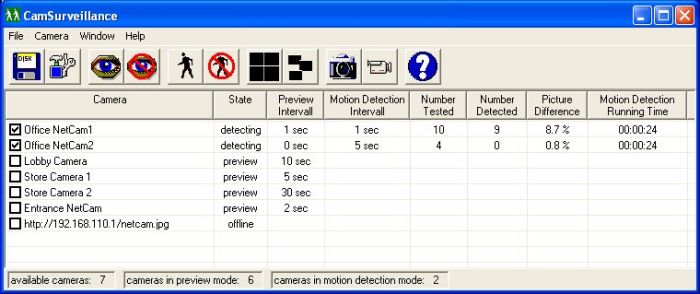
You see with one look, what cameras are
available, in which mode they are running,
how often the motion detector has tested for motion, how many
motions are detected and more.
Video Window
Here you see the current video source.
You can select always on top for this window to see at every moment
what's happening.
For each camera you can select if you want to see the video window
or not, no matter if the motion detection is running or not.
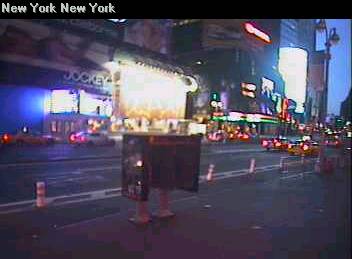
Video Window with picture
difference
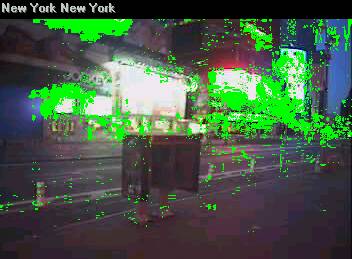
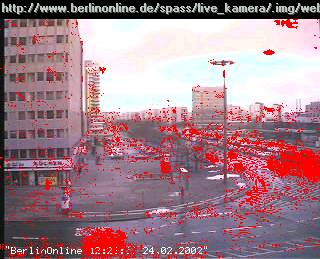
Display the current picture difference
within the video window while motion detection is running.
So you see in realtime
which parts of the video are changing. This could be
important for the adjustment of the motion detection
settings.
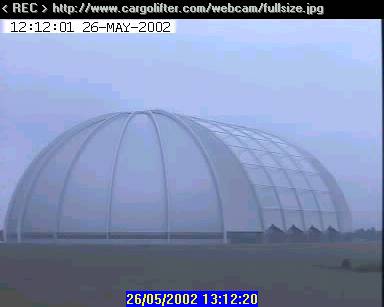
Video Window while AVI video recording
If video recording is active, it appears
a < REC > on the left side in the caption.
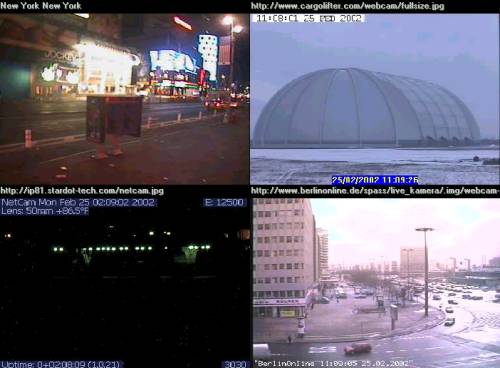
Combine the Video Windows
You can combine the video windows
on your desktop in different ways, to see always several
videos at one moment.
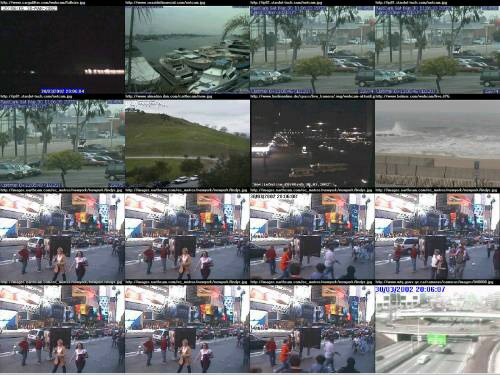
The video windows can fill the screen like the monitor
of a doorman or they can appear where you want.
Zoom into the Video Window
You can easy zoom with the right
mouse button into an area of the video window.


|